How Phishers Bypass Traditional Security Measures
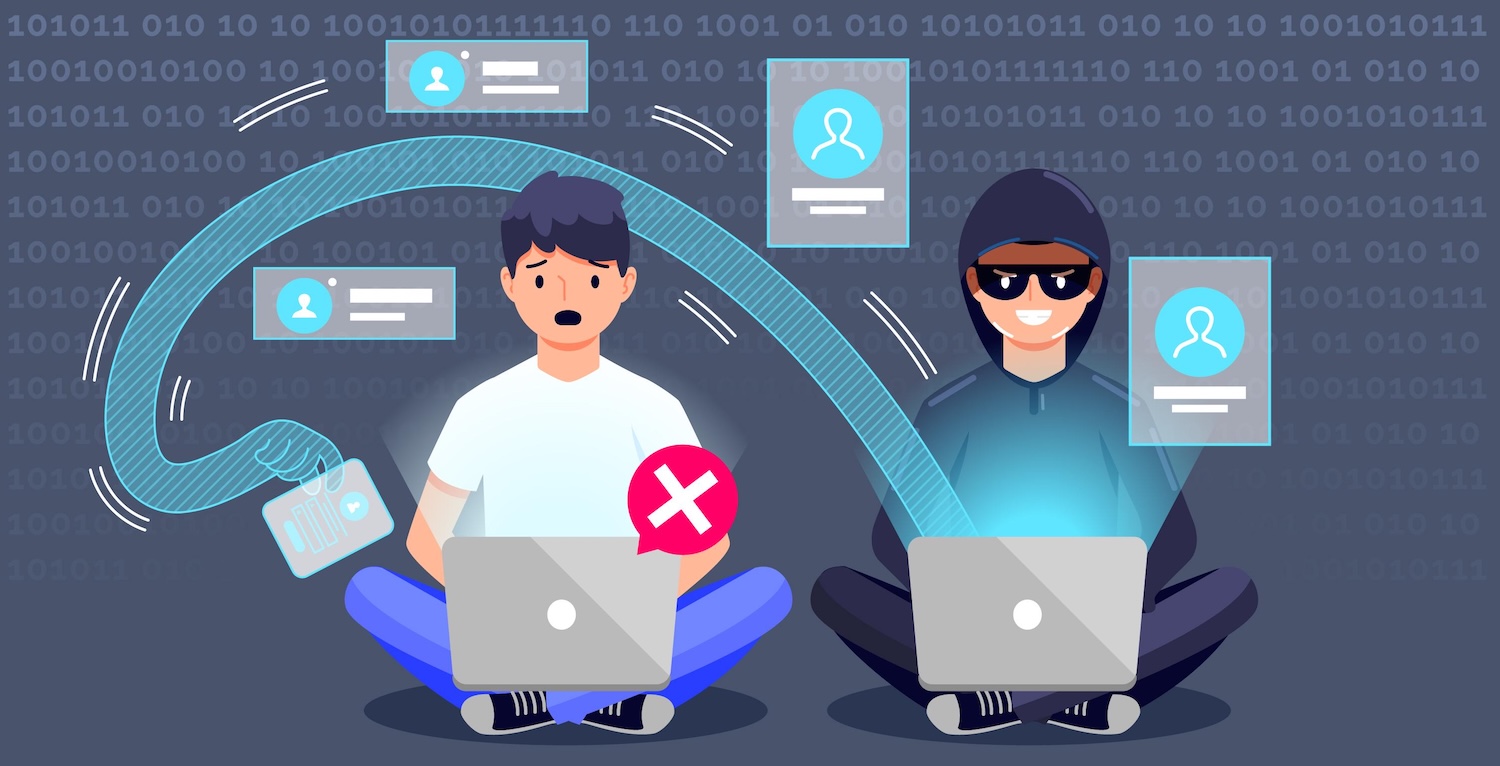
We have catalogued a list of tactics phishers use to circumvent server-side validation, along with sources and further reading where available. These techniques are specifically designed to evade automated scanners, threat intelligence systems, and sandbox environments used by security vendors or enterprise gateways.
🔄 1. Delayed Activation (Time-Based Attacks)
Tactic: The phishing site remains benign or inactive when first scanned, then activates malicious content after a delay (e.g., hours or days later).
-
Why it works: Many scanning tools check a URL only once or periodically. Phishers exploit this by hosting a clean landing page during the initial scan.
-
Example:
- A site shows a blank or harmless page during business hours and switches to phishing content after midnight UTC.
-
Further reading:
🌎 2. Geofencing
Tactic: The phishing page is served only to users from specific geographic regions, often based on IP geolocation.
-
Why it works: Scanning systems often originate from data center IPs in known locations (like the US or EU). Attackers serve fake content only to target regions and hide it from known scanning IPs.
-
Example:
- Only users from Canadian IPs see a fake CRA (Canada Revenue Agency) login page, while others see a generic error page.
-
Further reading:
🧬 3. Browser Fingerprinting / User-Agent Filtering
Tactic: Phishing sites inspect headers (e.g., User-Agent, Accept-Language, screen resolution) to detect bots or scanners and serve clean content accordingly.
-
Why it works: Many security systems use headless browsers, outdated user-agents, or default fingerprints that are easily distinguishable from real user traffic.
-
Advanced example:
- If
navigator.webdriver=true, the site assumes it’s under automated analysis and shows a blank page.
- If
-
Further reading:
🎭 4. User Interaction Detection
Tactic: Malicious content is only revealed after user interaction, like mouse movement, scroll, or keyboard input.
-
Why it works: Automated crawlers rarely simulate these interactions. The phishing logic is hidden until a real user engages.
-
Example:
- A fake login form only appears after the user scrolls halfway or clicks on a button.
-
Further reading:
🔁 5. Conditional Redirects
Tactic: URLs redirect users based on their IP, headers, or JavaScript capability — often sending bots/scanners to benign pages and humans to phishing sites.
-
Why it works: Redirect chains are hard to track in some scanning systems, especially when behavior is JavaScript-controlled or location-specific.
-
Example:
- A link goes through 2–3 redirects, showing different content for desktop vs. mobile.
-
Further reading:
👥 6. Session or Single-Use Tokens
Tactic: The phishing link contains a unique token that only works once or for a short time. Scanners that follow the link too late or from a different session won’t see anything suspicious.
-
Why it works: Reduces chance of detection by limiting visibility of phishing content.
-
Example:
https://phishingsite.com/login?token=abc123expires after 30 minutes or after one click.
-
Further reading:
📄 7. Using Reputable Infrastructure (e.g. Google Forms, Dropbox)
Tactic: Host phishing content or collect data using trusted services, which are typically allowlisted in enterprise environments.
-
Why it works: Tools often don’t block domains like
forms.google.com,dropbox.com, ornotion.site. -
Example:
- Phishers send links to Google Forms that mimic Microsoft login pages.
-
Further reading:
🔀 8. Domain Fast-Flux or Rotation
Tactic: Phishers rotate domains or subdomains rapidly using DNS tricks or CDNs to avoid detection and takedown.
-
Why it works: Server-side systems struggle to track constantly changing domains or IPs, especially when TTL is low.
-
Example:
- A phishing kit rotates through 500 subdomains every hour using wildcard DNS.
-
Further reading:
🕵️♂️ 9. Blocking Known Scanners or Crawlers
Tactic: Phishing sites identify and block traffic from known security scanners (e.g., VirusTotal, urlscan.io, Google Safe Browsing) via IP lists or header patterns.
-
Why it works: These scanners often use identifiable IP blocks or user-agent strings.
-
Example:
- The site checks for
urlscan.ioorGooglebotin headers and returns HTTP 403.
- The site checks for
-
Further reading:
🔧 10. JavaScript Obfuscation or Encryption
Tactic: Malicious logic is hidden behind layers of minified, obfuscated, or encrypted JavaScript, only decoded in the browser.
-
Why it works: Server-side scanners rarely emulate a full JavaScript execution environment due to performance and safety constraints.
-
Example:
- Login-stealing code is stored in a base64 string that’s decrypted only after user interaction.
-
Further reading:
✅ Summary Table
| Technique | Purpose | Circumvents |
|---|---|---|
| Delayed Activation | Bypass early scans | URL scanners, blocklists |
| Geofencing | Target regional users | Cloud scanners, global proxies |
| Fingerprinting | Hide from bots | Headless browsers |
| Interaction-Gated Logic | Show only to real users | Static analysis |
| Conditional Redirects | Redirect bots elsewhere | Heuristic scanners |
| One-Time Tokens | Limit access visibility | Link reputation |
| Use of Trusted Platforms | Avoid filtering entirely | Allowlists |
| Domain Rotation | Evade blocklists & takedown efforts | DNS-based filters |
| Blocking Known Crawlers | Evade public scans | Threat feeds |
| JavaScript Obfuscation | Hide malicious logic | Static code inspection |
🧠 How to Defend Against These Techniques
-
Client-Side Analysis Tools: Browser extensions and endpoint security tools that inspect the final rendered DOM.
-
Heuristic Detection: Use AI/ML to evaluate page content and behavior.
-
User Training: Help users recognize signs of deception, not just URLs.
-
Session & Domain Monitoring: Watch for suspicious redirects, token reuse, or short-lived domain usage.
-
Browser Isolation or Sandboxing: Render untrusted sites in isolated environments.
Next steps
Try Sekant Web Security
If this article piqued your interest, please check out Sekant Web Security. It is a browser extension that embeds runtime intelligence to prevent phishing, ClickFix, unsafe downloads, shadow AI and more, in real-time without relying on remote servers that compromise your privacy.
Read related articles
Explore the Sekant Blog for more articles related to browswer security concerns
Message us with thoughts
Have thoughts to share? Send us a note! info (at) sekantsecurity (dot) com
Attribution: Image courtesy of Freepik. Content written with Generative AI support.